Word Calendar Templates
Choose a Word calendar
Create your own Word calendar
Document preview
2026 · 12 monthly pages
Use the year overview or any month to inspect the document. In Full year mode these controls only change the preview; the download still contains the complete selected year.
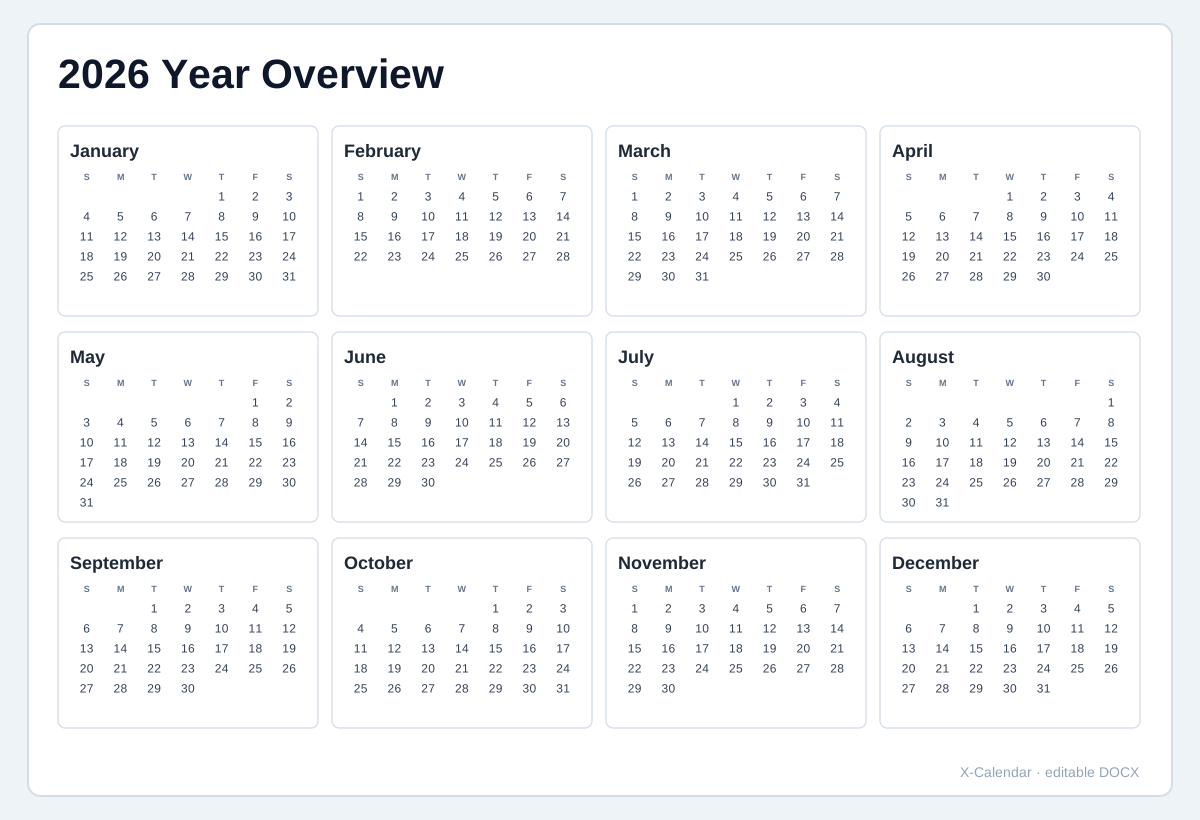
2026 Year overview
All 12 months on one compact page.
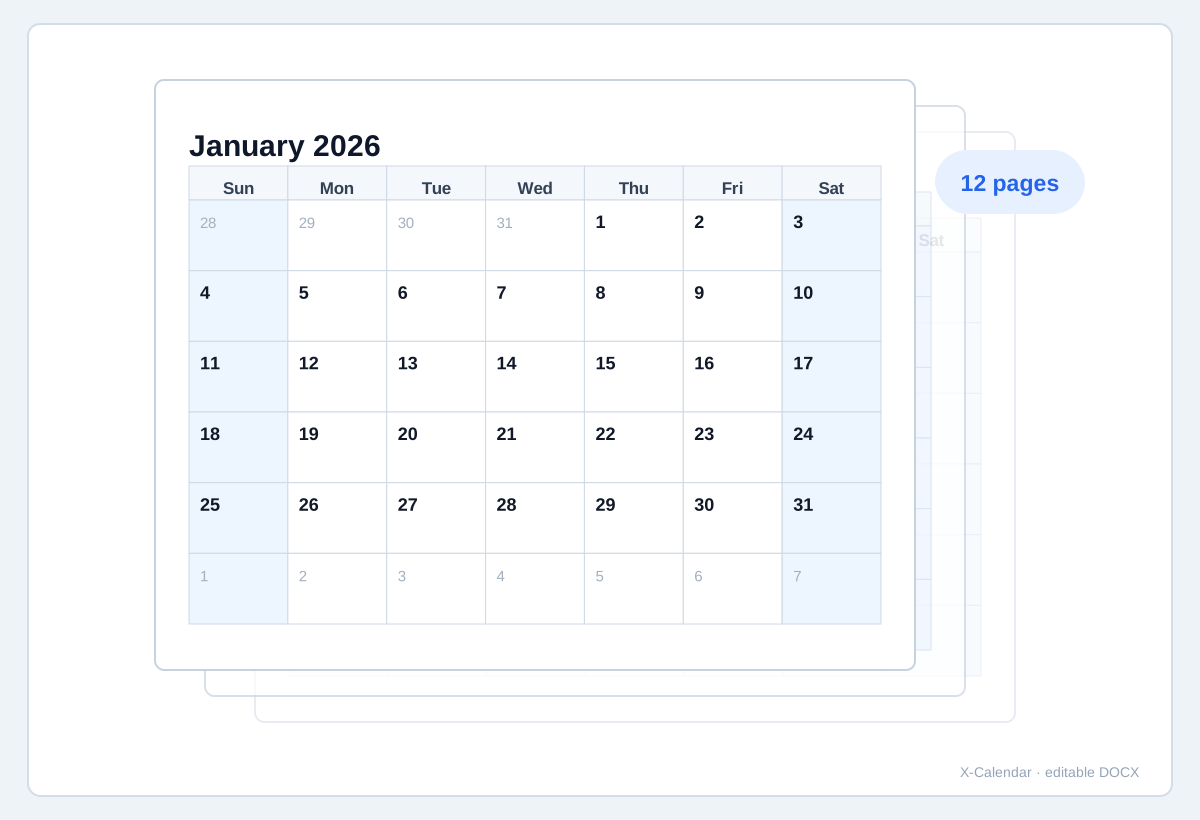
2026 12-page yearly calendar
One full calendar page for every month of the year.
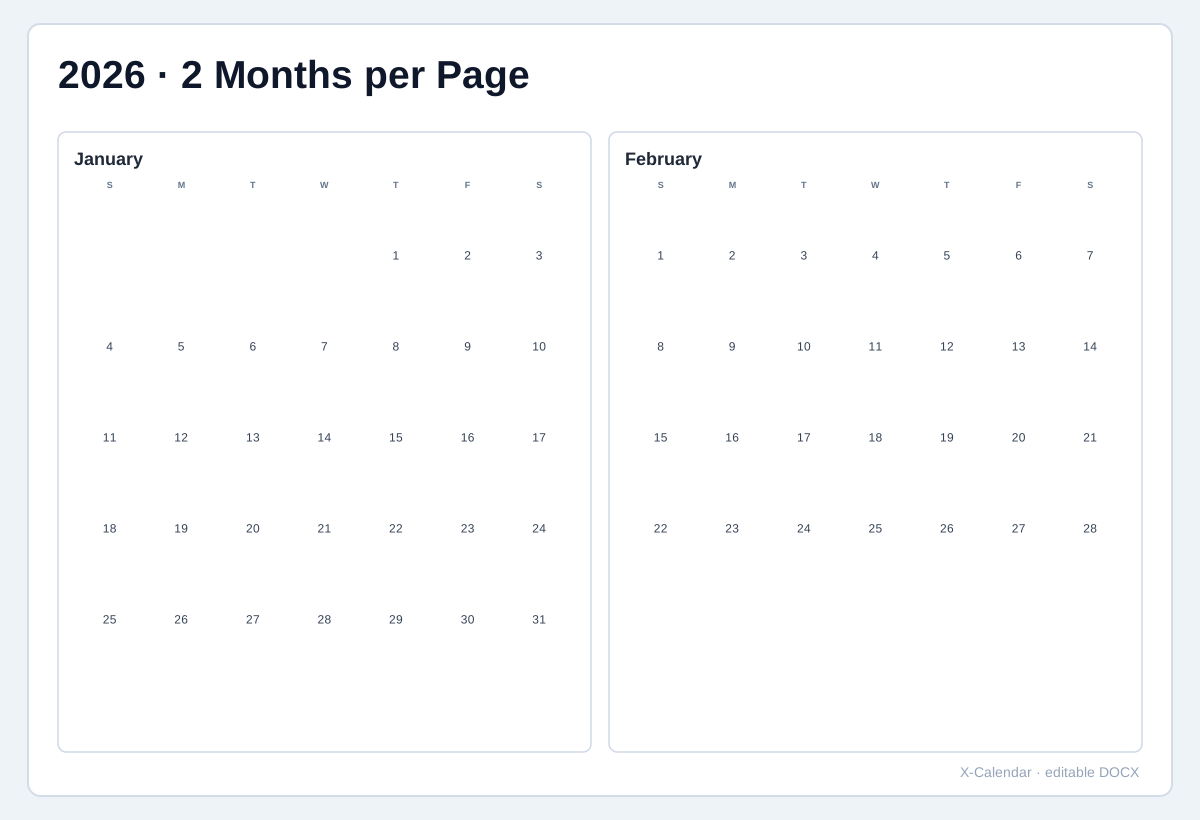
2026 Two months per page
A six-page yearly document with two months on each page.
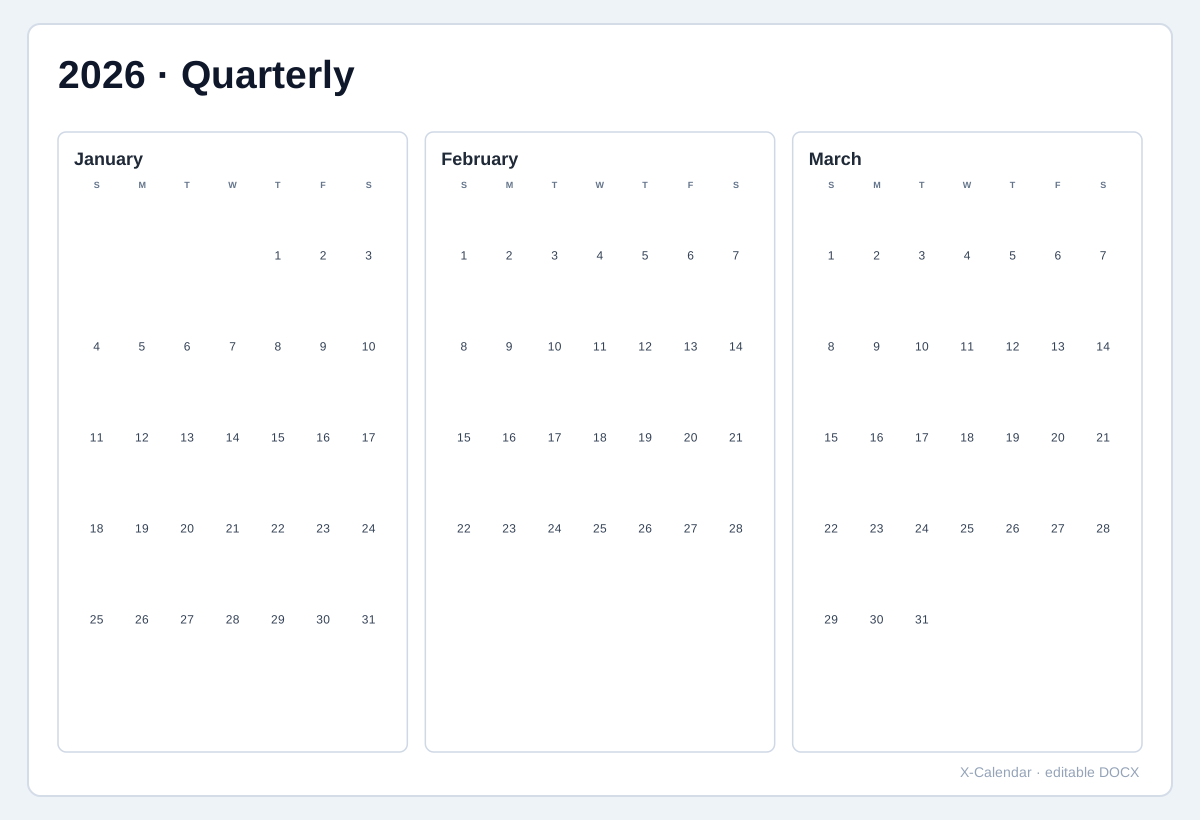
2026 Quarterly calendar
Four pages for the year, with one quarter on each page.
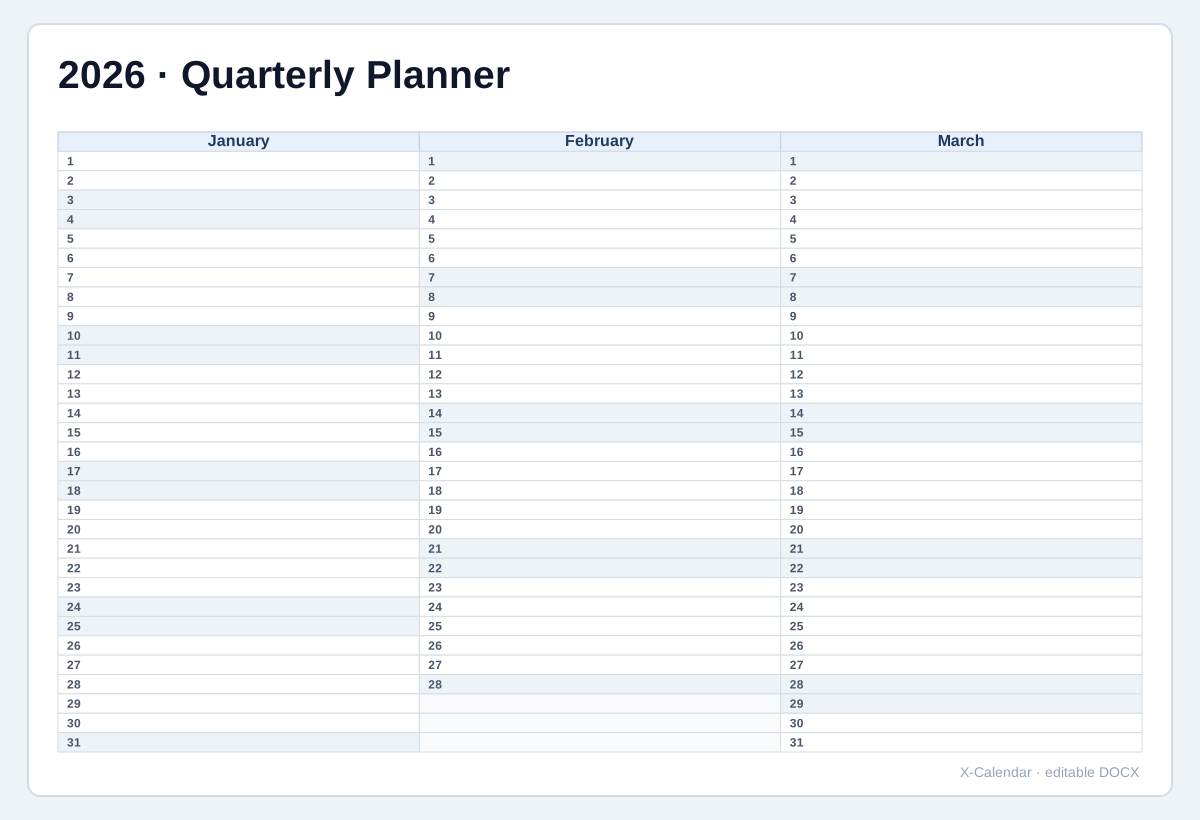
2026 Quarterly planner
Three months as planner columns with one row for every date.
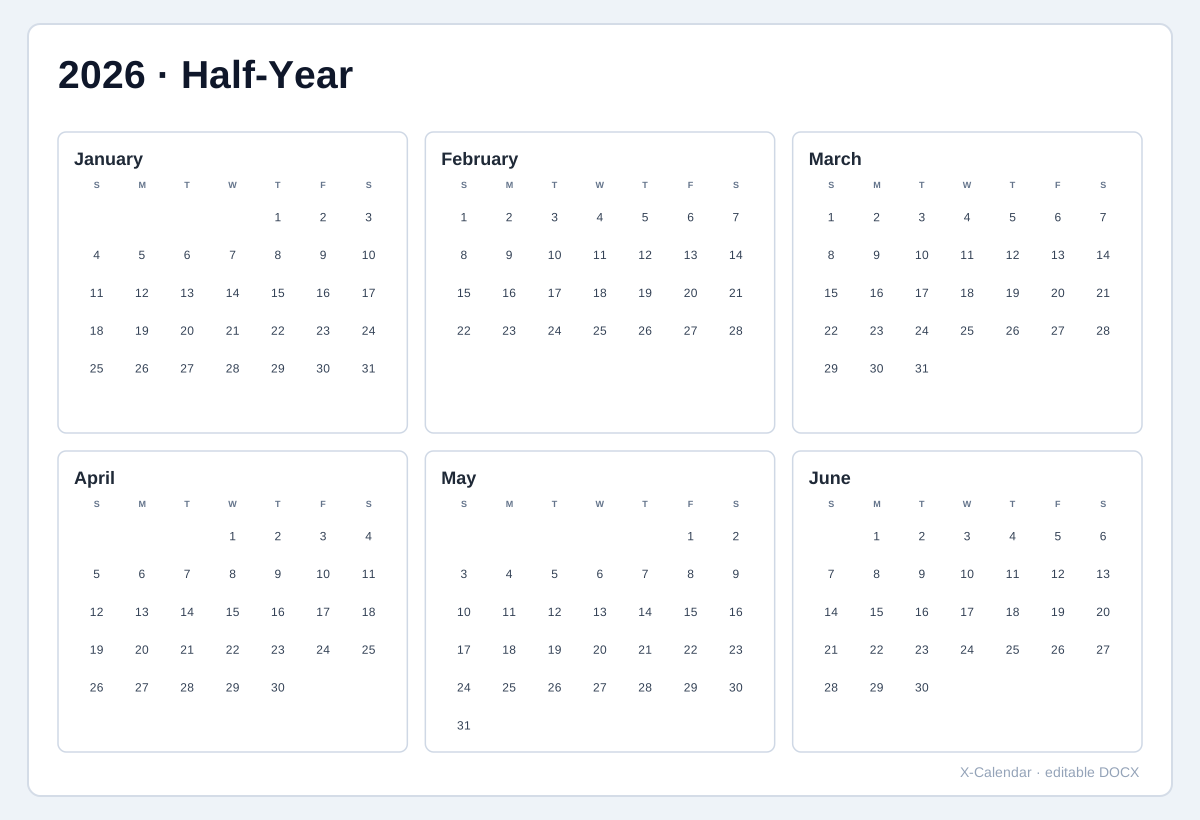
2026 Half-year calendar
Two pages for the year, with six months on each page.
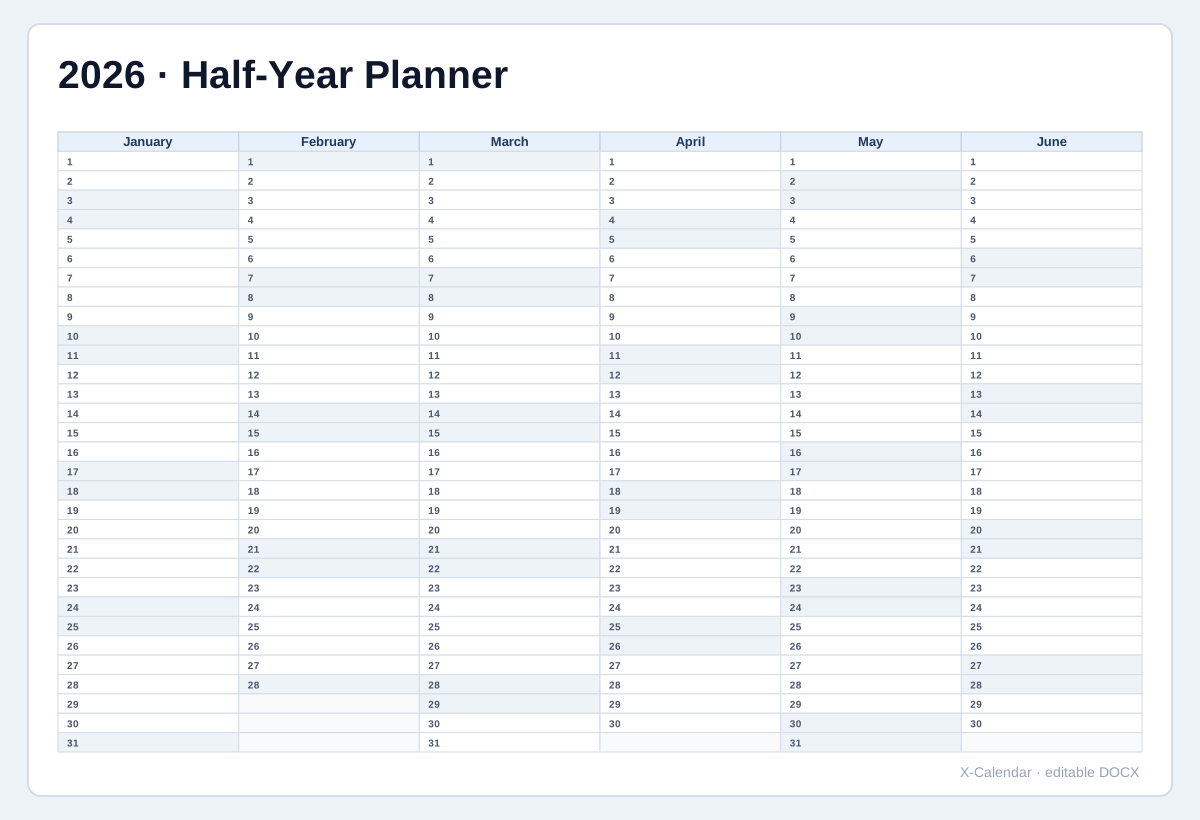
2026 Half-year planner
Six month columns for scanning deadlines, rotations and recurring work.
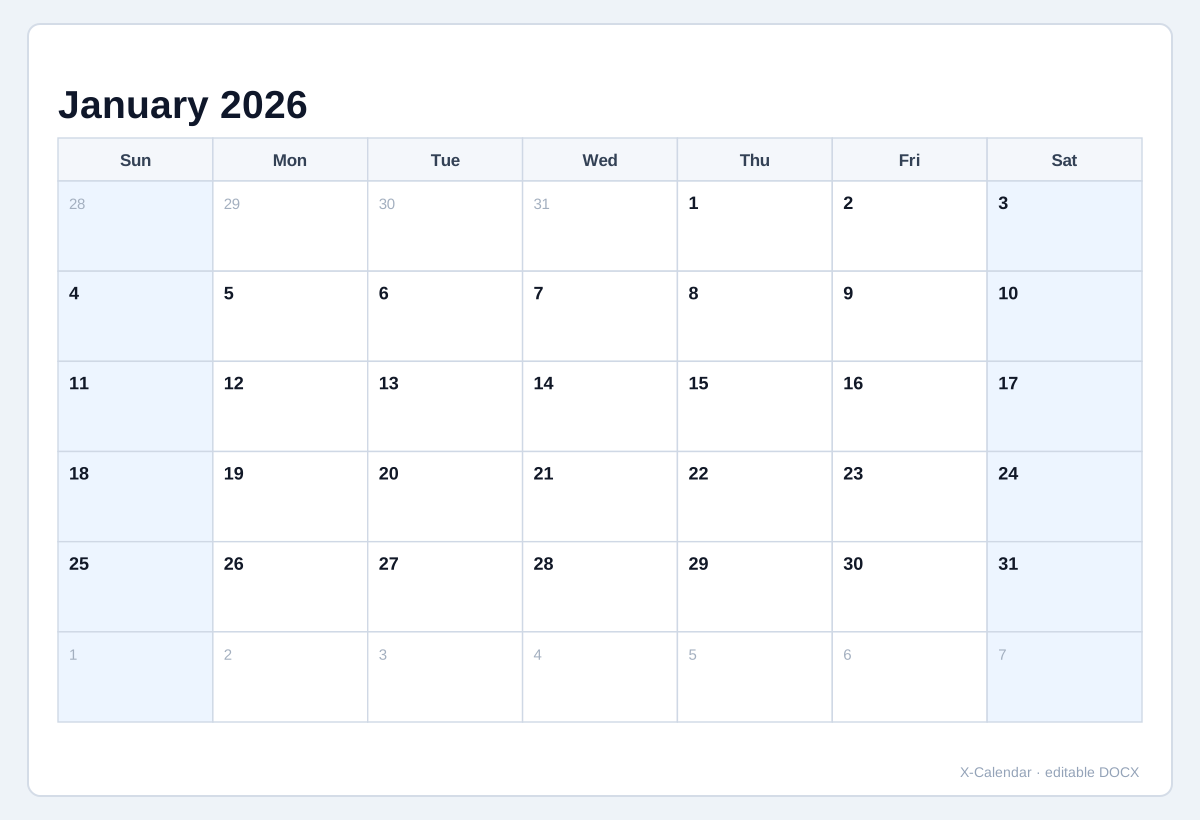
2026 Classic monthly calendar
A clean month grid with generous everyday planning space.
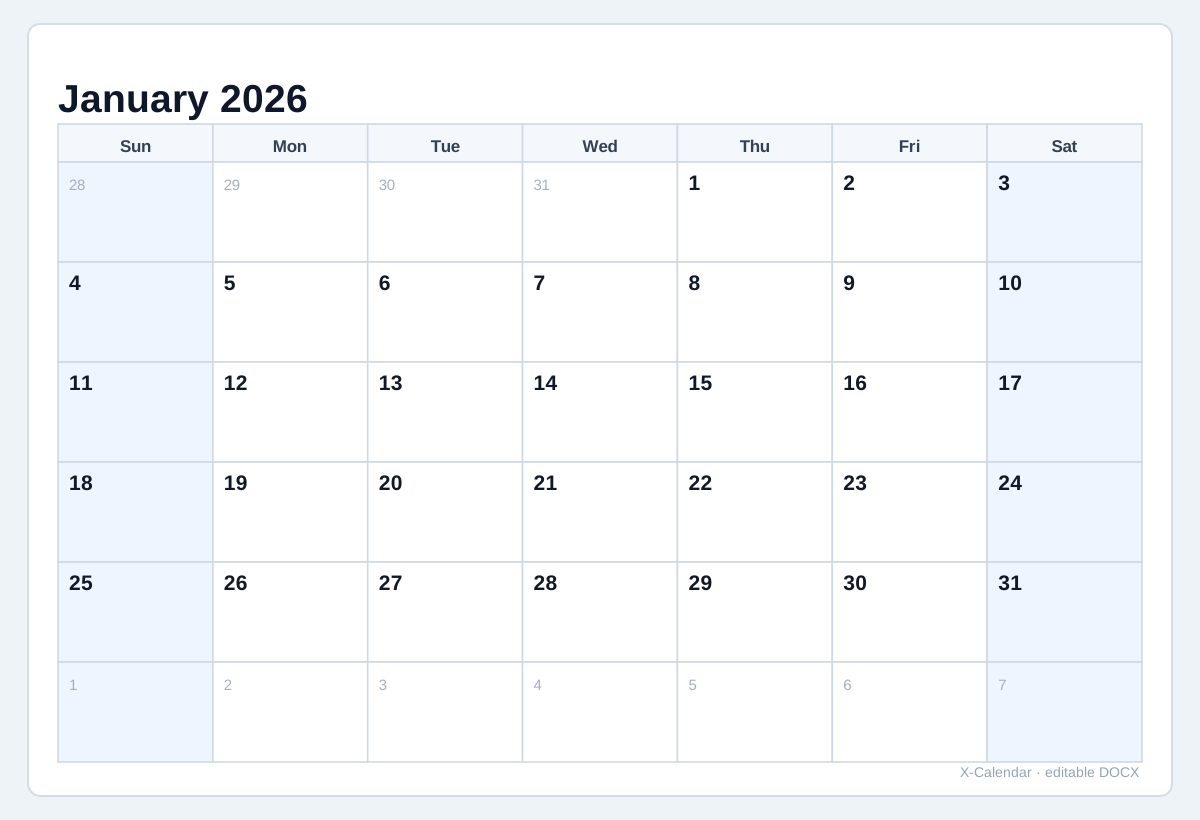
2026 Large-box monthly planner
Bigger date boxes for appointments, tasks and handwriting.
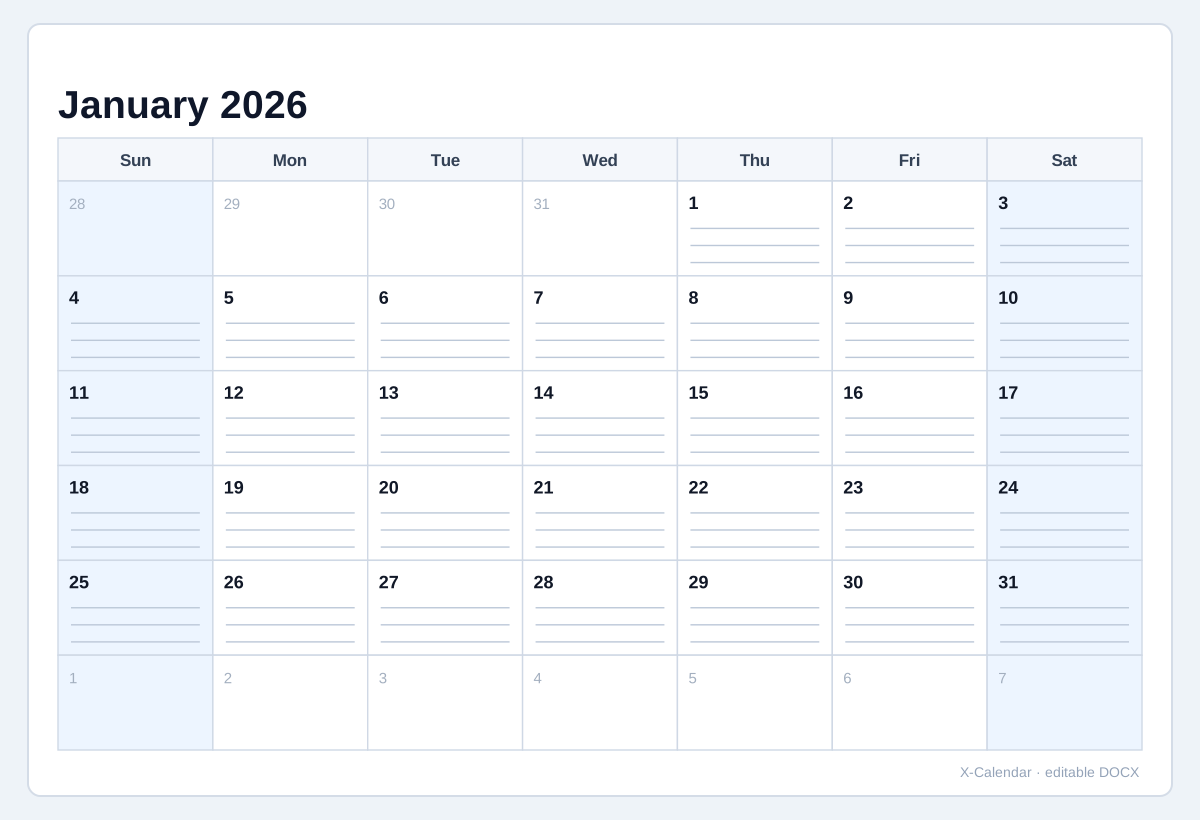
2026 Lined writing calendar
Writing guides inside each date box for notes and reminders.
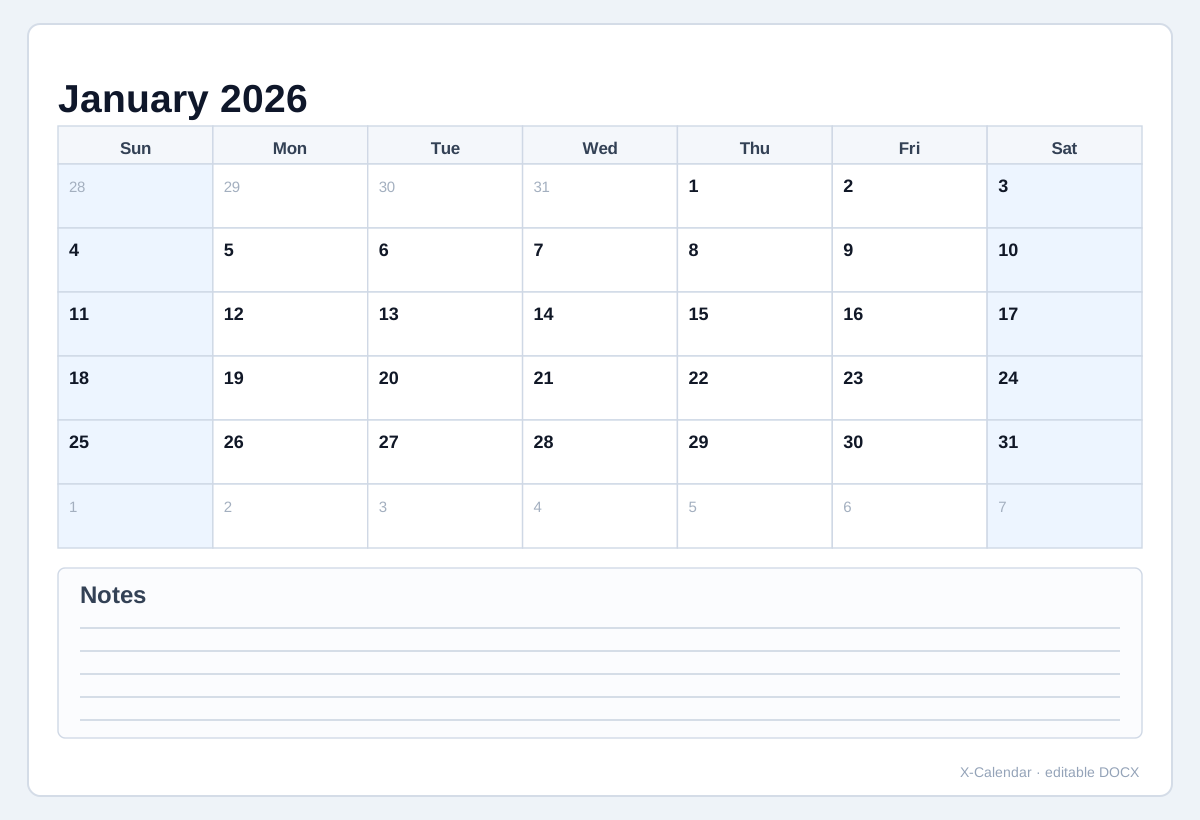
2026 Calendar with bottom notes
A full-width notes section below the monthly calendar.
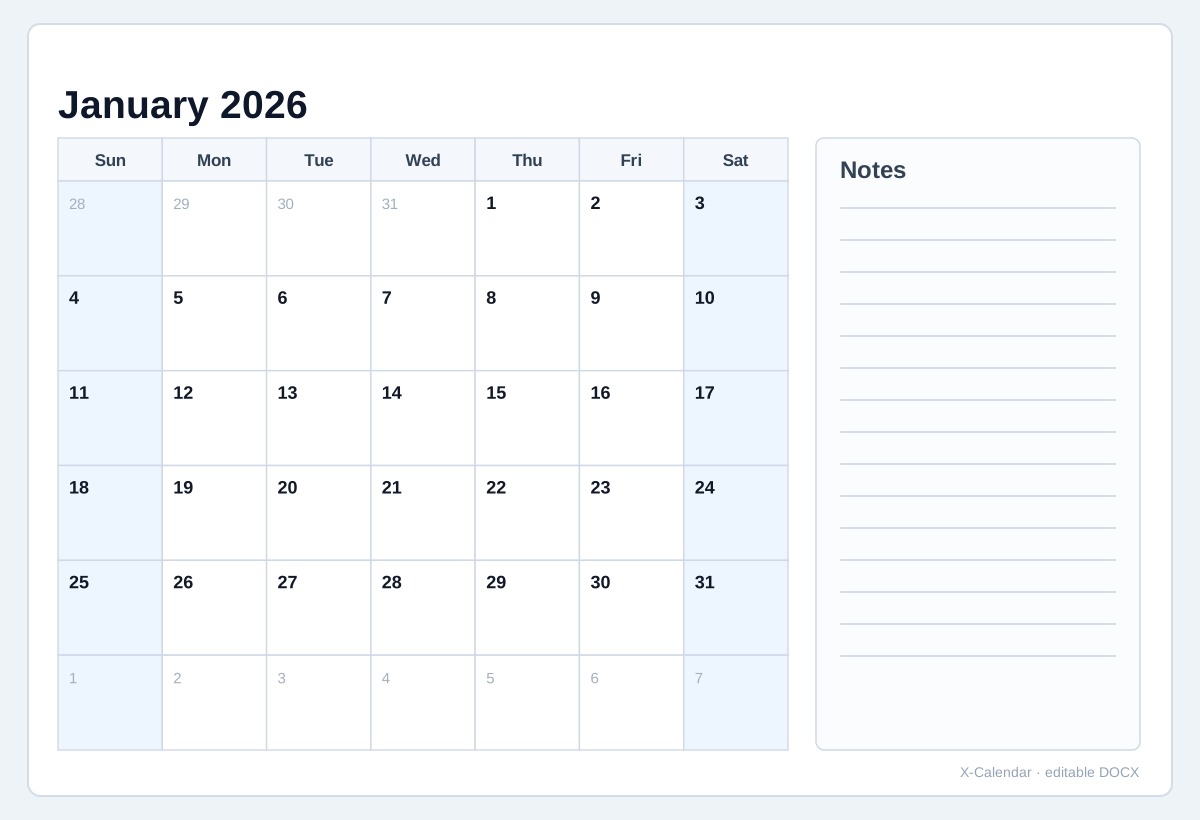
2026 Calendar with right notes
Month grid beside a dedicated notes column.
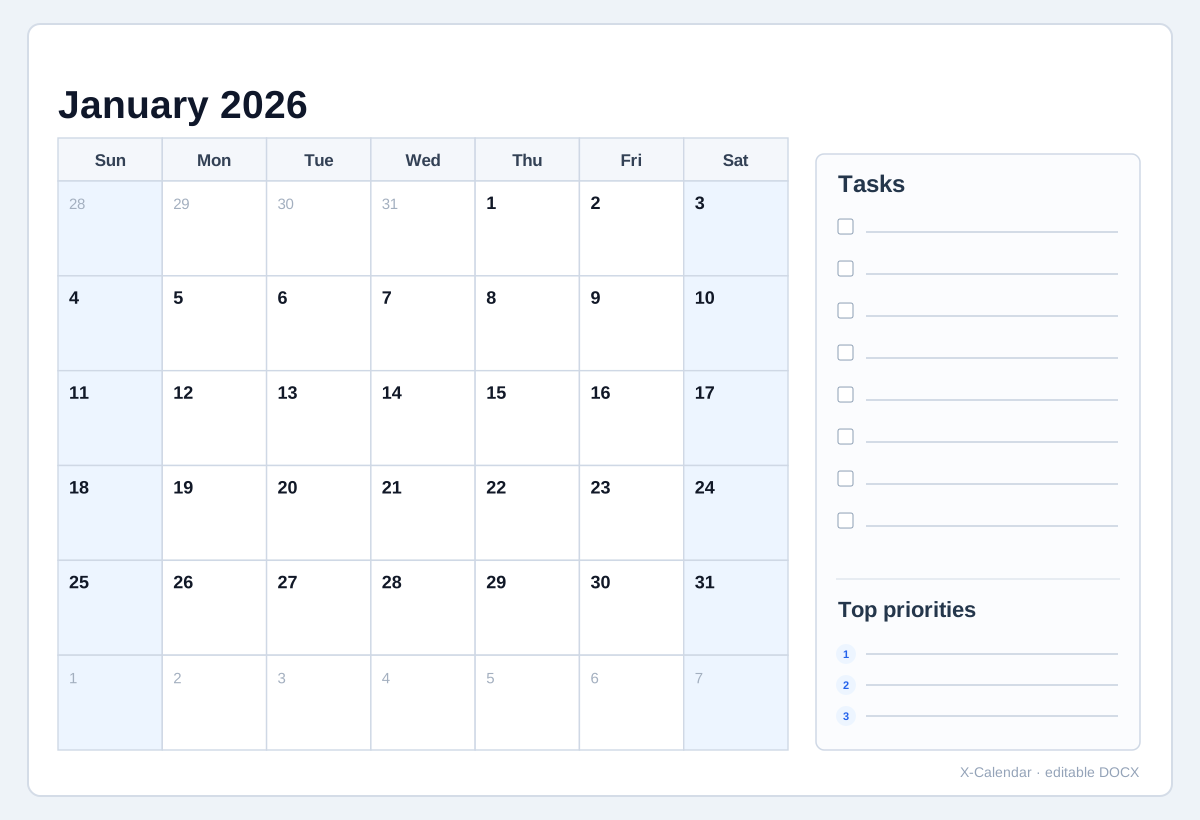
2026 Monthly task planner
Month grid with dedicated task and priority planning space.
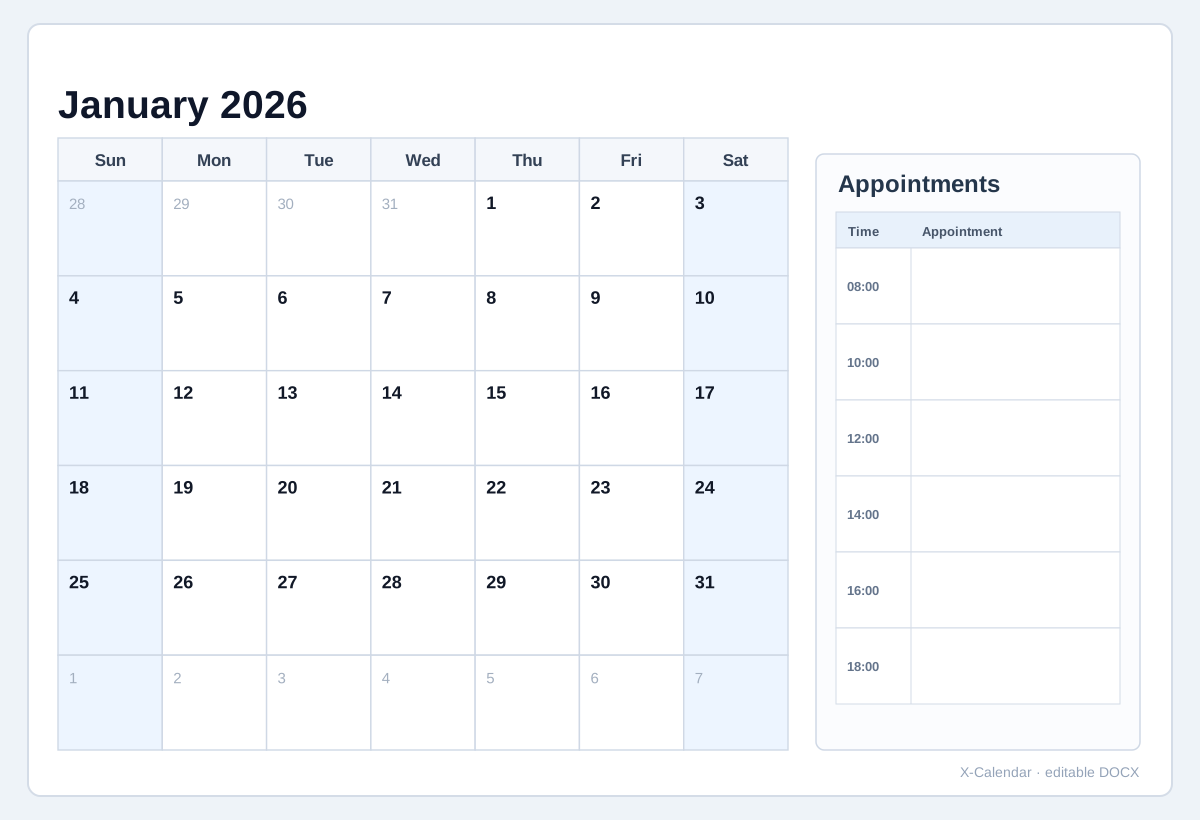
2026 Monthly appointment calendar
Month grid with a structured appointment list on the same page.
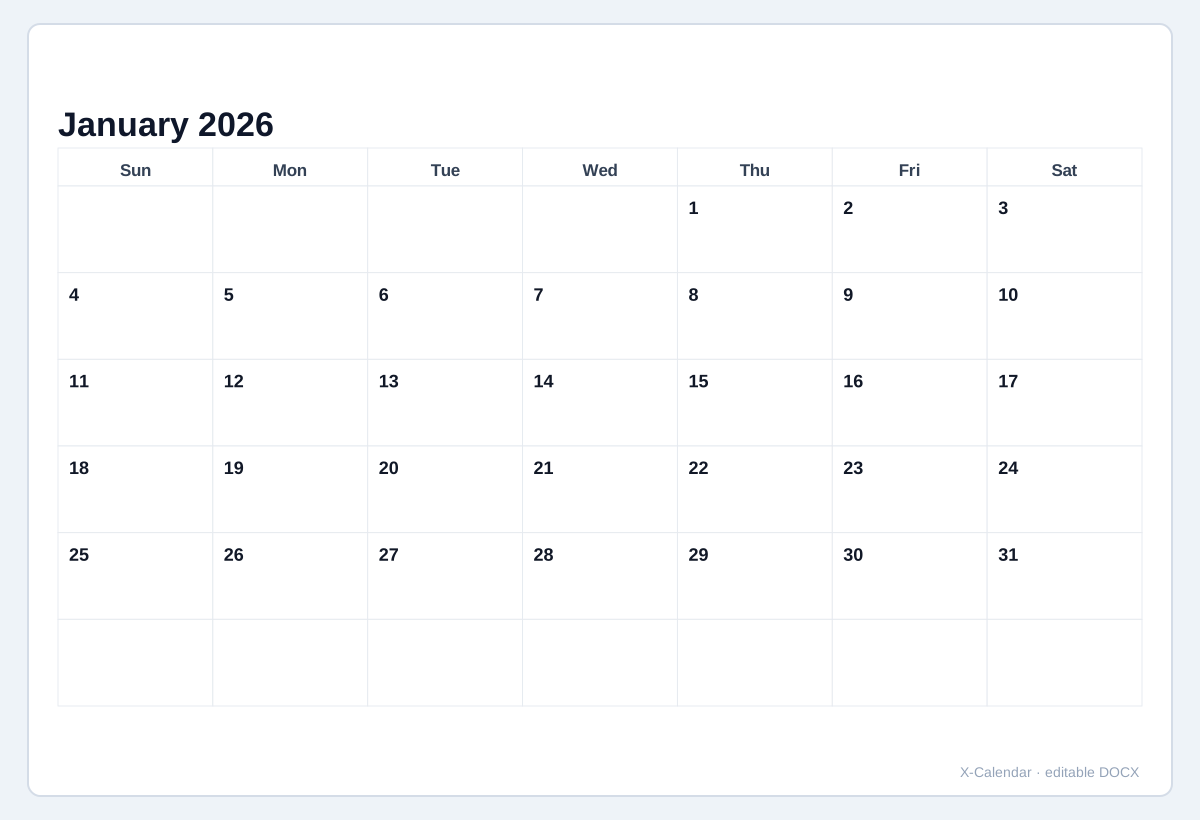
2026 Minimal monthly calendar
Quiet black-and-white layout with fewer visual distractions.
Word file details
- Format
- .docx
- Period
- Full year · Single month
- Document
- 1 / 2 / 3 / 6 / 12 months per page
- Works with
- Microsoft Word · Google Docs · LibreOffice
Keep date range, document layout and calendar settings separate
The date range decides which dates are included. Document layout decides whether a full year uses 12 monthly pages or one compact year overview. Paper, orientation, notes and display options stay independent.
For a 12-page full-year document, preview any month without changing the download range. In Single month mode, changing the month changes both the preview and the page in the downloaded document.
How the Word builder works
1. Choose the date range
Pick Full year for January through December, or Single month when the document should contain only one selected month.
2. Choose the document layout
A full year can use 12 monthly pages or one compact Year overview. A single month uses one calendar page.
3. Set page and notes
Choose A4 or Letter, landscape or portrait, then add no notes, bottom notes or a notes area on the right.
4. Set week and display options
Choose Sunday or Monday as the first day of the week, then optionally show week numbers, shade weekends or show adjacent-month dates.
Preview without changing the full-year download
In Full year mode, month navigation changes only the on-page preview. The downloaded Word document still contains the complete selected year.
Standard .docx file
Download one editable .docx file and open it in Microsoft Word, Word Online, Google Docs, LibreOffice or another compatible word processor.